Black Screen Videos: Why Millions of People Watch Hours of Nothing
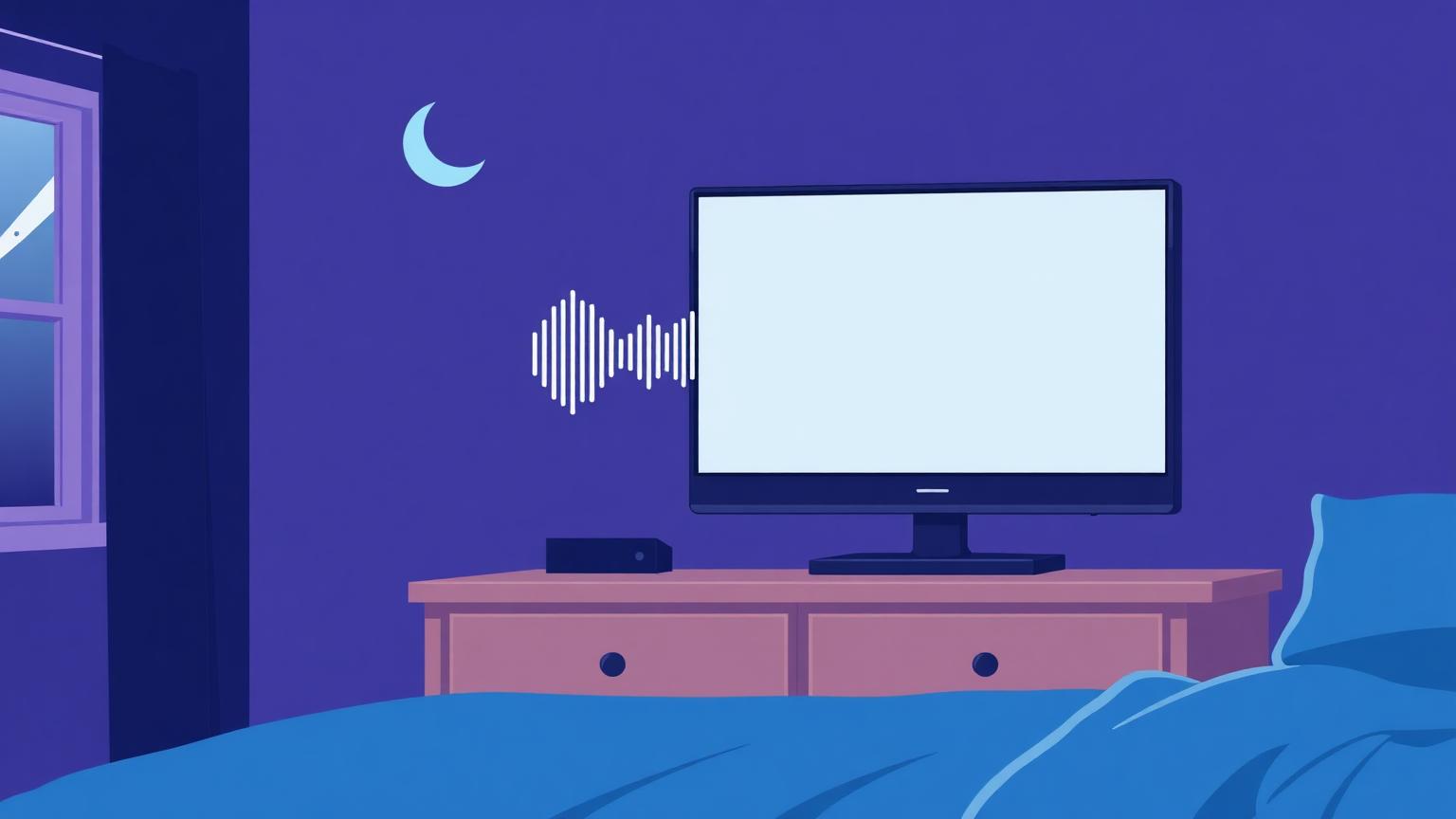
Open YouTube and search "black screen 10 hours." The results have hundreds of millions of combined views. People are choosing, deliberately, to play a decade-old black rectangle for entire nights. To anyone who hasn't done it, this looks like the strangest corner of the internet. To the people doing it, it solves real problems elegantly.
Here's what a black screen video actually does, the sleep-audio connection, and a few cases where there's a smarter alternative.
What Is a Black Screen Video, Really?
Exactly what it sounds like: a video file whose every frame is pure black. The variants tell you the use cases — silent versions, versions with rain or fan sounds, "black screen with music," and above all, the white noise black screen combination that dominates sleep playlists.
The video format matters because it does things a static image can't: it keeps apps in "playback mode," it can carry audio, and it runs on devices where you can't easily display a plain image — like a TV running the YouTube app.
The Big One: Sleep Audio Without the Light
The core problem black screen videos solve: you want sound at night, but every screen is a lamp.
White noise genuinely helps many people sleep — the consistent broadband sound masks sudden noises (traffic, doors, a snoring partner) that would otherwise jolt you toward waking. But playing white noise from YouTube normally means a glowing screen in your bedroom all night. A white noise black screen video delivers the audio while the display shows nothing. On an OLED TV or phone, the screen is effectively off while the sound continues.
The same logic powers every variant: rain on a black screen, brown noise, fan sounds, sleep music. The black isn't the content — it's the removal of the screen as a light source.
A note on the sound itself: white noise contains all frequencies equally and sounds like static or a hiss. Many people find brown noise (deeper, like distant thunder or a waterfall) more comfortable for full-night listening. If white noise feels harsh, try the brown or pink variants before giving up on noise masking.
The Other Genuine Uses
Audio-only YouTube. Playing a long mix or podcast on a TV means the video lights the room. Queuing a black screen video between visual content — or using black-screen versions of ambience tracks — turns any screen into a pure speaker.
Screen breaks during playback. Streamers use short black screen video clips as "Be Right Back" segments and scene transitions in OBS.
Editing assets. A black video clip is a standard editing asset: spacer segments, fade bases, letterbox layers. Editors keep a 10-second black MP4 in their template folder the way they keep the black and white image frames we've covered elsewhere.
Keeping devices awake. Some setups — a TV used as background audio, an old tablet running as a clock — sleep or dim when "nothing is playing." A looping black video keeps playback active while showing nothing.
Testing. A black screen video at full screen doubles as a quick stuck-pixel and backlight bleed check, with the advantage of running on smart TVs where opening a browser tool is clumsy.
When a Video Is the Wrong Tool
Honest caveats, because a black video isn't always the best answer:
On phones, your clock/alarm apps do it better. Most phones have built-in sleep sounds or a bedtime mode that plays audio with the screen genuinely off — zero light, less battery than video playback, no risk of an autoplay jumpscare at 3 AM.
Autoplay is the enemy. The classic failure mode: your 10-hour black screen video ends, and YouTube autoplays something loud and bright into your sleeping face. If you use YouTube for sleep audio, disable autoplay and set a sleep timer.
Data usage. Streaming ten hours of video — even of nothing — uses data. A downloaded file or an offline white-noise app is kinder to a mobile plan. (Black frames compress incredibly well, so the data cost is lower than normal video, but it isn't zero.)
If you just need a black display right now — no audio, no playback — our black screen browser tool is instant and uses no bandwidth at all. That's precisely why our tool exists. For downloadable black wallpapers see black screen images and wallpapers, or 7 practical uses of a full black screen.
Making Your Own Black Screen Video
Editors and streamers can generate one locally in seconds rather than downloading: in any editor, create a black color matte, set duration, export. FFmpeg users can do it with a single command using the color source filter at whatever resolution and length they need. Pure black compresses to almost nothing, so even a 10-hour file stays small.
Frequently Asked Questions
Why would anyone play a 10-hour black screen video?
Almost always for sleep: it carries white noise, rain, or music through the night while keeping the screen dark. Other uses include audio-only YouTube on TVs and keeping devices in playback mode.
Does a black screen video save battery?
On OLED displays, substantially — black pixels are off. On LCD, the backlight stays lit, so savings are minimal. Either way, video playback itself uses some power; a true screen-off audio app is more efficient on phones.
What's the difference between white noise and a white noise black screen video?
The audio is identical; the black screen version simply removes screen glow, which matters when the player is a TV or phone in a dark bedroom.
Is it bad for my TV to play a black video all night?
No — on OLED it's the gentlest possible content (pixels off, no burn-in risk), and on LCD it's no different from any other video.
Can I use a black screen video to test my display?
Yes, it works well for spotting stuck pixels and backlight bleed on smart TVs. For phones and computers, a full-screen black browser tool is faster and perfectly uniform.