The Full Black Screen: Display Testing, OLED Checks and 7 Uses You Didn't Expect
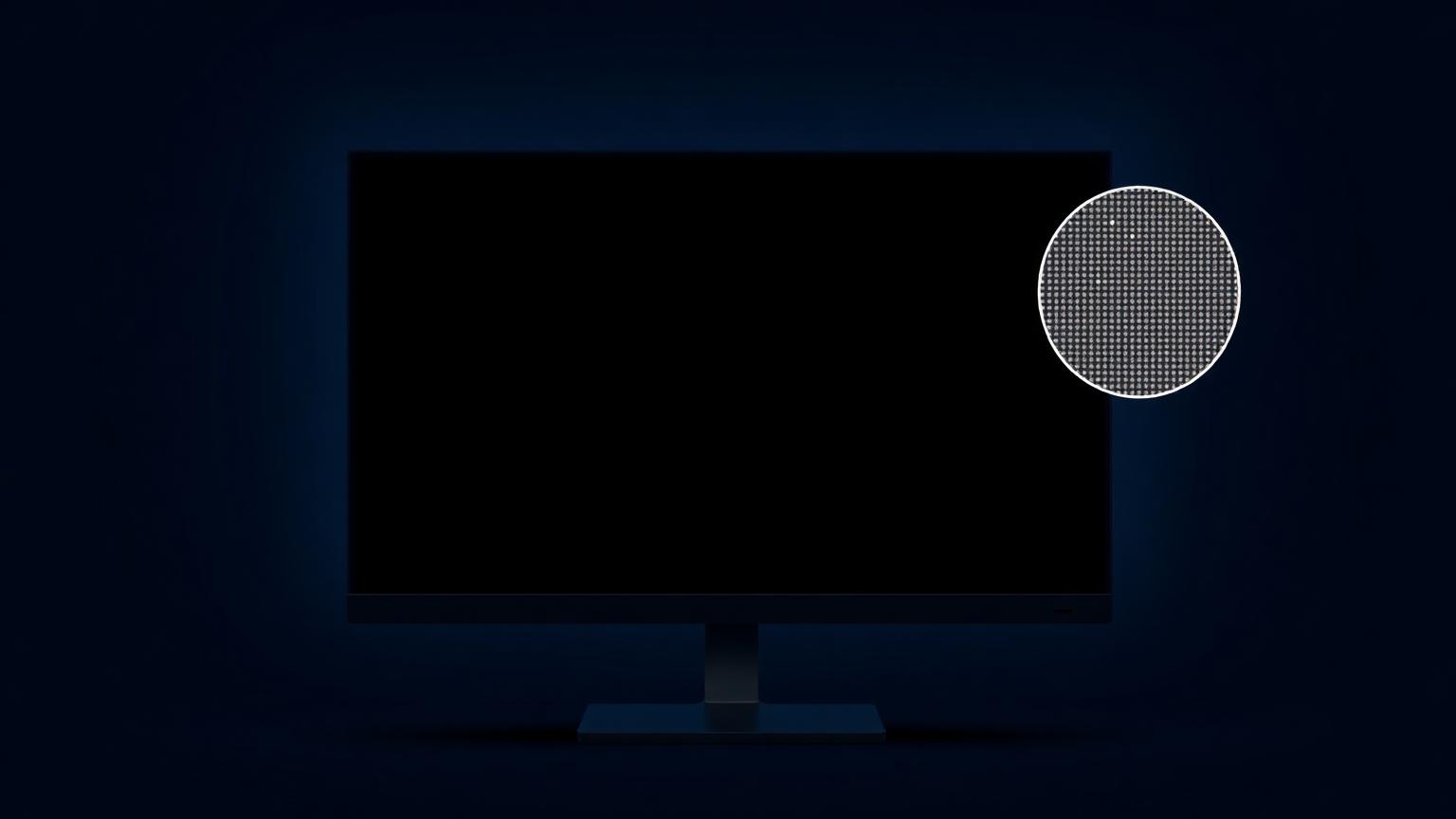
A black screen sounds like the absence of something — a powered-off display, a crashed app, a problem. But a deliberately displayed black screen is one of the most useful diagnostic and practical tools you can have bookmarked, and it's the mirror twin of the white screen test we cover elsewhere on this site.
Here's what a blank black screen reveals about your display that white can't, plus the everyday uses that make it worth keeping one click away.
Why Black Reveals What White Hides
A white test lights every pixel; a black test turns every pixel "off." Each exposes a different family of defects:
White finds: dead pixels (dark dots), dust, tint, uneven brightness. Black finds: stuck pixels (bright dots), backlight bleed, IPS glow, and OLED black-level quality.
Run both and you've audited your panel completely. Neither alone tells the full story.
Running a Black Screen Test
- Open a black screen full screen — our black screen tool does this in one click, or press F11 on any full black screen page.
- Dim the room. This is the opposite of the white test: backlight bleed and glow are only visible in darkness. Close the curtains, kill the lights.
- Set brightness to your normal working level (not maximum — you want realistic conditions for bleed, though max brightness is fine when hunting stuck pixels).
- Inspect edges and corners first, then scan the middle in a grid pattern.
- View from straight on, then from an angle.
What you might see
Bright colored dots. Stuck pixels — sub-pixels frozen on. Unlike dead pixels, these often recover with a color-cycling fixer tool. Worth trying for 15 minutes before accepting a flaw.
Glowing patches along edges/corners. On LCD panels, that's backlight bleed — light leaking around the panel edges. Minor bleed is normal and priced into budget monitors; severe clouding on a new display justifies a return.
A soft glow that moves as you shift your head. IPS glow, an inherent trait of IPS technology, not a defect. If it moves with viewing angle, it's glow; if it stays fixed, it's bleed.
Perfect, uniform darkness. Congratulations, you're probably looking at an OLED. Since OLED pixels emit their own light, black means literally off — this is why a black screen full screen on OLED in a dark room looks like the display disappeared.
7 Practical Uses Beyond Testing
1. OLED battery saving
On OLED phones and laptops, black pixels consume no power. A black screen as wallpaper or idle display measurably extends battery life — one of the few "battery hacks" with real physics behind it.
2. Keeping a screen "on but dark"
Need your PC awake — downloads running, music playing — without a glowing rectangle lighting the room? A full black screen keeps the machine active while the display goes visually silent. Night-shift workers and studio engineers use this constantly.
3. Screen cleaning
Dust and fingerprints that hide on colorful wallpaper stand out sharply against black. Display a blank black screen before wiping and you'll see exactly what you're cleaning. (Turn the display off completely for wet cleaning, of course.)
4. Second-monitor blackout
A dual-monitor setup where one screen sits unused is a light source you don't need. Filling the idle monitor with black is faster than fiddling with input switching or power buttons, and the monitor is instantly available when you need it.
5. Ambient lighting control for media
Watching a movie with a bright browser on the second display ruins the contrast your eyes perceive. Black out the secondary screen and the film immediately looks better.
6. Photography and filming
A screen showing pure black reads as "off" on camera, without the reflection changes that powering down can cause. Product photographers shooting tech use this trick to keep devices looking consistent between shots.
7. Focus mode
The nuclear option for distraction: full-screen black over everything except the one window you're working in. No icons, no notifications, no visual noise.
Black Screen vs Screen Off: Not the Same Thing
Worth understanding: a displayed black screen keeps the panel active. On LCD, the backlight stays on behind the black image (which is why you see bleed). On OLED, black pixels genuinely switch off, but the device stays awake. Turning the screen off cuts power entirely but also stops whatever the device was doing with the display — screen recordings, presentations, connected-display sessions. The black screen exists precisely for the "awake but dark" middle ground.
For downloadable black wallpapers and images, see our black screen images and wallpapers guide.
Frequently Asked Questions
Does a black screen test work on OLED displays?
Yes, but you're testing different things. On OLED, use it to spot stuck pixels and confirm true blacks. Backlight bleed doesn't exist on OLED because there's no backlight.
Why is my black screen glowing grey?
On LCD panels, the backlight always leaks slightly through — that grey is your panel's minimum black level. Deep grey is normal for LCD; only OLED achieves true black.
Can I leave a black screen on for hours?
On LCD, completely safe. On OLED, a static black screen is actually the safest possible image, since black pixels are off and can't burn in.
How do I make my whole screen black without turning it off?
Open a black screen tool in a browser and press F11 (desktop) or use fullscreen mode (mobile). The display stays powered and the device stays awake.
What's the difference between a blank black screen and a screensaver?
A black screensaver activates on idle and exits on input. A black screen page stays until you close it, survives mouse movement, and works during active tasks like downloads or audio playback.